
Project Overview
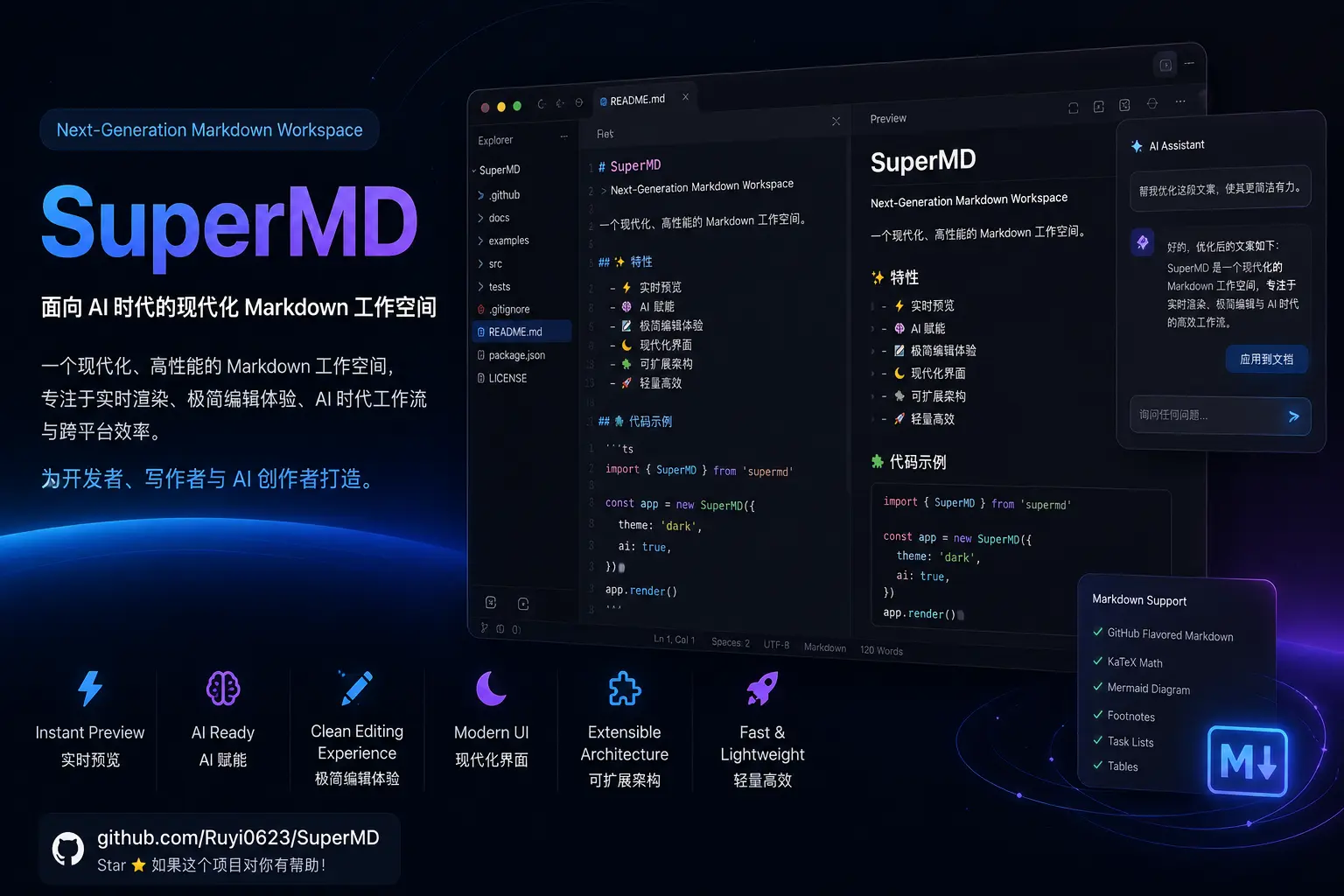
📝 SuperMD
📖 Introduction
SuperMD is a Claude Code Skill that unifies Markdown workflows into five modes, covering the entire lifecycle from generation to review and polish. Whether you need to write a README, tidy up pasted notes, check formatting compliance, optimize layout, or convert between GFM / Obsidian / MDX, a single natural-language command triggers the right mode.
Key highlights:
- One skill for the complete Markdown workflow — no switching between multiple tools
- Built-in document templates (README, API docs, tutorials, study notes, meeting minutes, etc.)
- Chinese typography friendly: auto-inserts spaces between Chinese & English, normalizes punctuation
- Strict document structure rules: no skipped heading levels, every code block has a language label, no bare URLs in links
⬇️ Installation
git clone https://github.com/Ruyi0623/SuperMD.git ~/.claude/skills/supermd
No extra configuration needed. Claude Code loads it automatically. Use /supermd to invoke.
⚙️ Five Modes
🚀 Generate — Create from scratch
Generate a structured Markdown document from a plain description. Recognizes document type and target audience, matches the best template, and outputs a ready-to-use file. For large documents (>500 words) it first presents a structure outline.
🔄 Convert — Raw content to Markdown
Turn unstructured text into clean, well-formatted Markdown. Automatically infers structure, preserves all original information, and removes formatting noise.
🔍 Audit — Diagnostic review
Inspect .md files item by item and produce a three-level diagnostic report: Critical, Suggestions, and Strengths. Audits only — no modifications.
✨ Improve — Polish and fix
Fix skipped heading levels, bare URLs, unlabeled code blocks, inconsistent list markers, Chinese typography issues — without altering the meaning of the content.
🔀 Switch — Format conversion
Convert between GFM ↔ Obsidian ↔ MDX ↔ Standard, automatically handling wikilinks, callout syntax, and other differences.
📐 Document Structure Principles
- Each document has exactly one
# H1heading - Heading levels are contiguous — no skipping (e.g., H1 directly to H3)
- Code blocks always carry a language identifier; use a specific language name, never
code - Links use descriptive text; avoid bare URLs
- Images must include alt text:
 - Auto-insert spaces between Chinese and Western characters; use Chinese punctuation in Chinese contexts
🔀 Format Conversion at a Glance
| Source | Target | Key Changes |
|---|---|---|
| GFM | Obsidian | [text](url) → [[url|text]], lowercase callouts |
| Obsidian | GFM | [[wikilinks]] → [text](url), keep #tags |
| GFM | MDX | Add live attribute to code blocks, add import statements |
| Standard | GFM | Enable autolinks, task lists, tables, strikethrough |
💡 Usage Examples
# Generate
/supermd write a product documentation for a VitePress project

# Convert
/supermd convert this HTML to Markdown

# Audit
/supermd check docs/api.md for issues

# Improve
/supermd optimize the layout of this document

# Format switch
/supermd convert this file from Obsidian to GFM